


























Resources
Update Your Profile
Have you changed organizations? New jersey number? Have you grown a couple of inches? We are always looking to recruit players and invite teams, managers and coaches to youth hockey’s biggest and best events. Make sure all of you information is up-to-date to ensure you do not miss out.
To update your profile on 200×85, follow these steps:
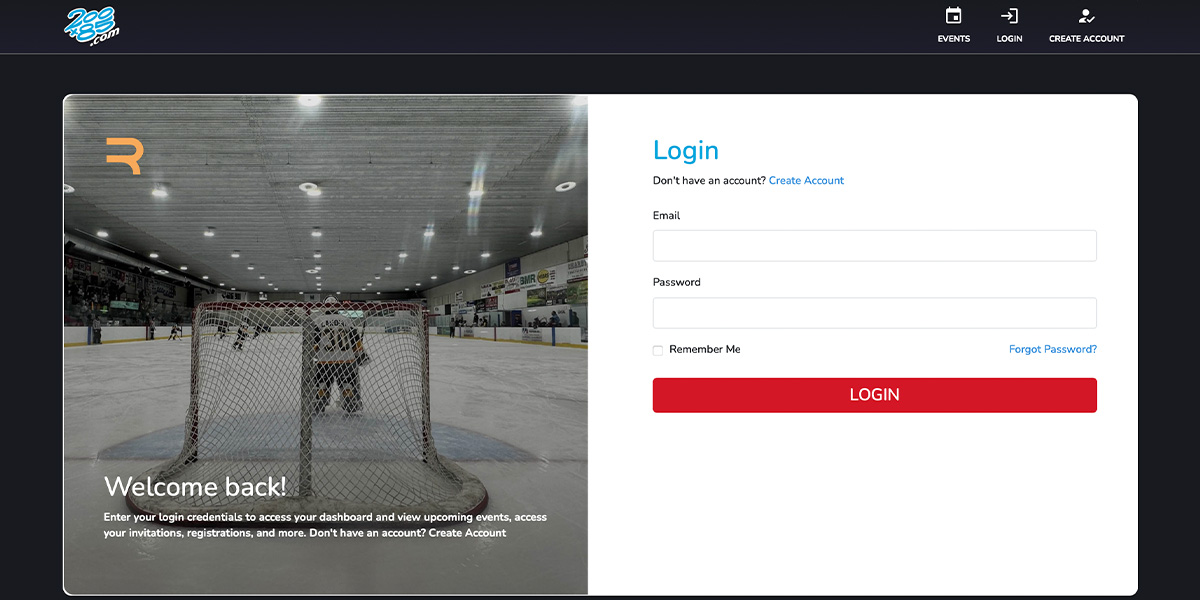
- Login: Access your 200×85 dashboard at my.200×85.com.
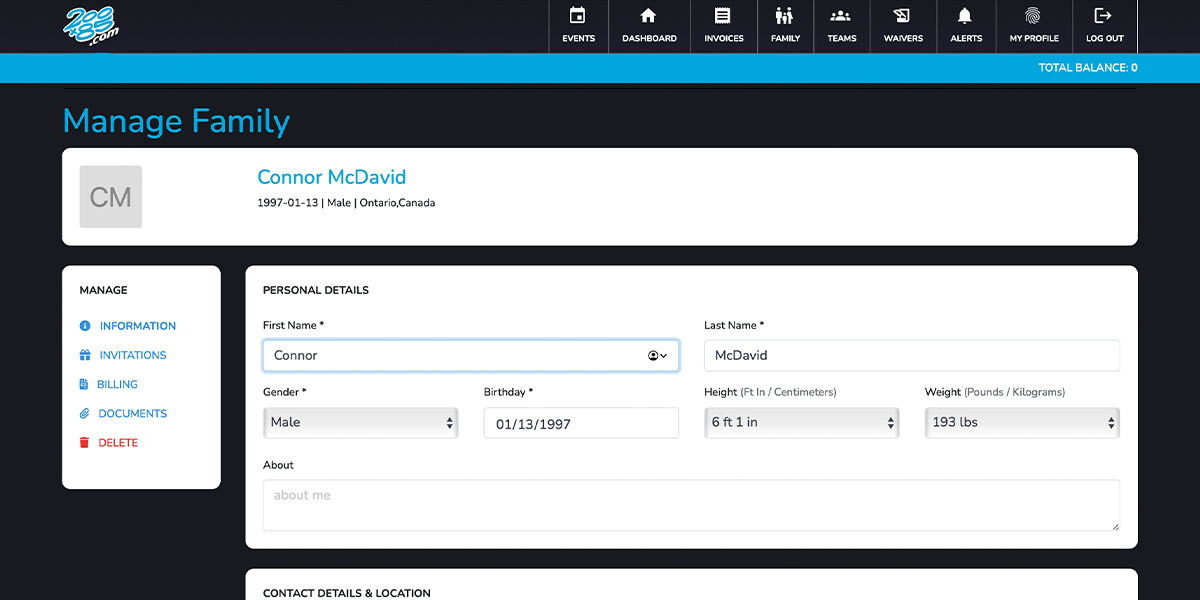
- Update Family: Select family on the menu. Make sure the players in your family have accurate information. Update their height, position, team, coach and other details that may have changed. If you have a new player in the family then it is a great time to add them.
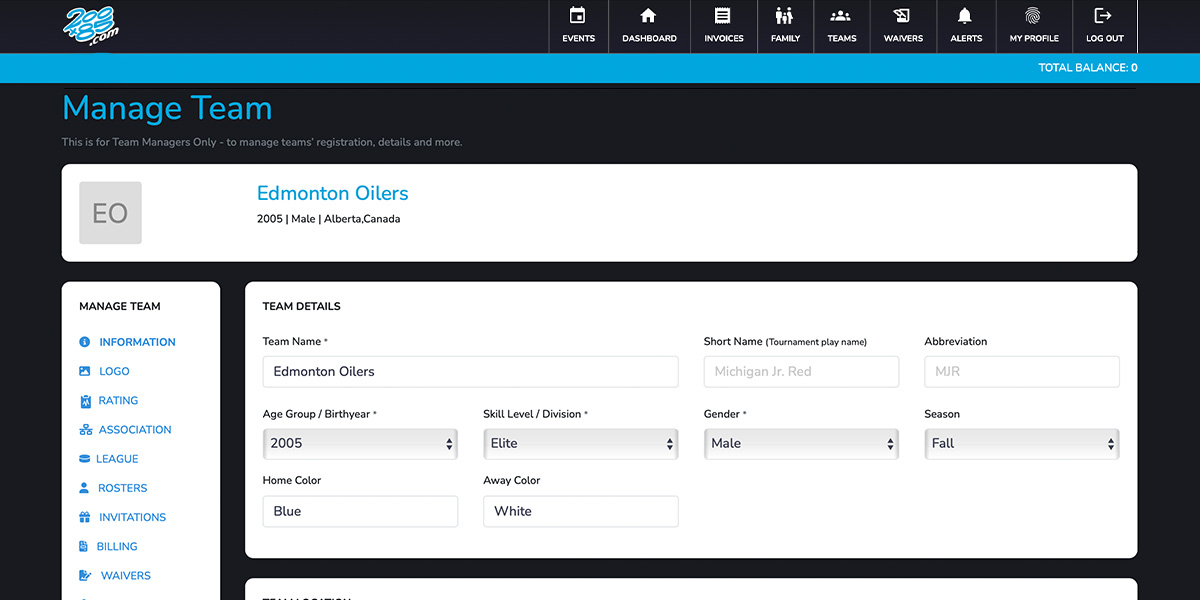
- Update Team: If you manage a coach or a team you will want to go to the team tab and make sure your team(s) have up-to-date information and especially Age Group/Birth Year and Skill Level/Division. This information is very important to our tournament directors to ensure your matched with the best competition for your team all season.
For more details, visit the Update Your Profile page.